Adding Charges/Fees
Edited
In short: Add one-time or recurring charges (fees) on top of rent, like late fees, parking, utilities, or damage.
Add a one-time charge
Open the tenant's profile.
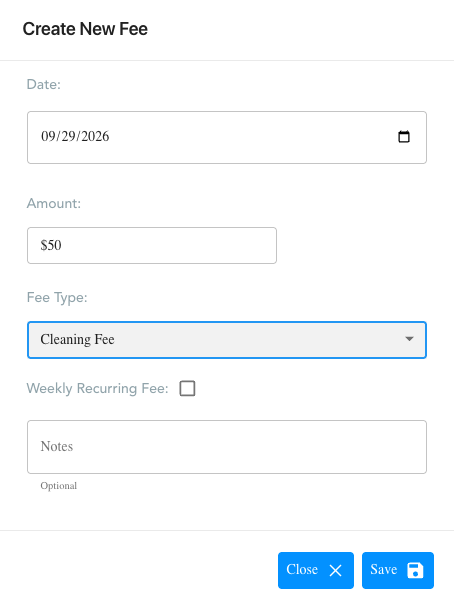
Click New Transaction, then Create New Fee.
Enter the date and amount.
Choose the Fee Type (for example, Parking, Late Fee, or Utilities).
Add notes if needed, then click Save.
Add a recurring charge
Follow the same steps and check Recurring Fee before saving. It will charge every month.
Good to know
You can't backdate a charge.
Still stuck? Contact support.