Logging In & Resetting Your Password (Tenant)
In short: Log in with the email and password you created when you signed up. Forgot your password? Tap Forgot Password on the login screen and we'll email you a reset link.
Reset your password
Open the app, or go to the web portal.
On the login screen, tap Forgot Password.
Enter the email you signed up with.
Open the reset email and follow the link to create a new password.
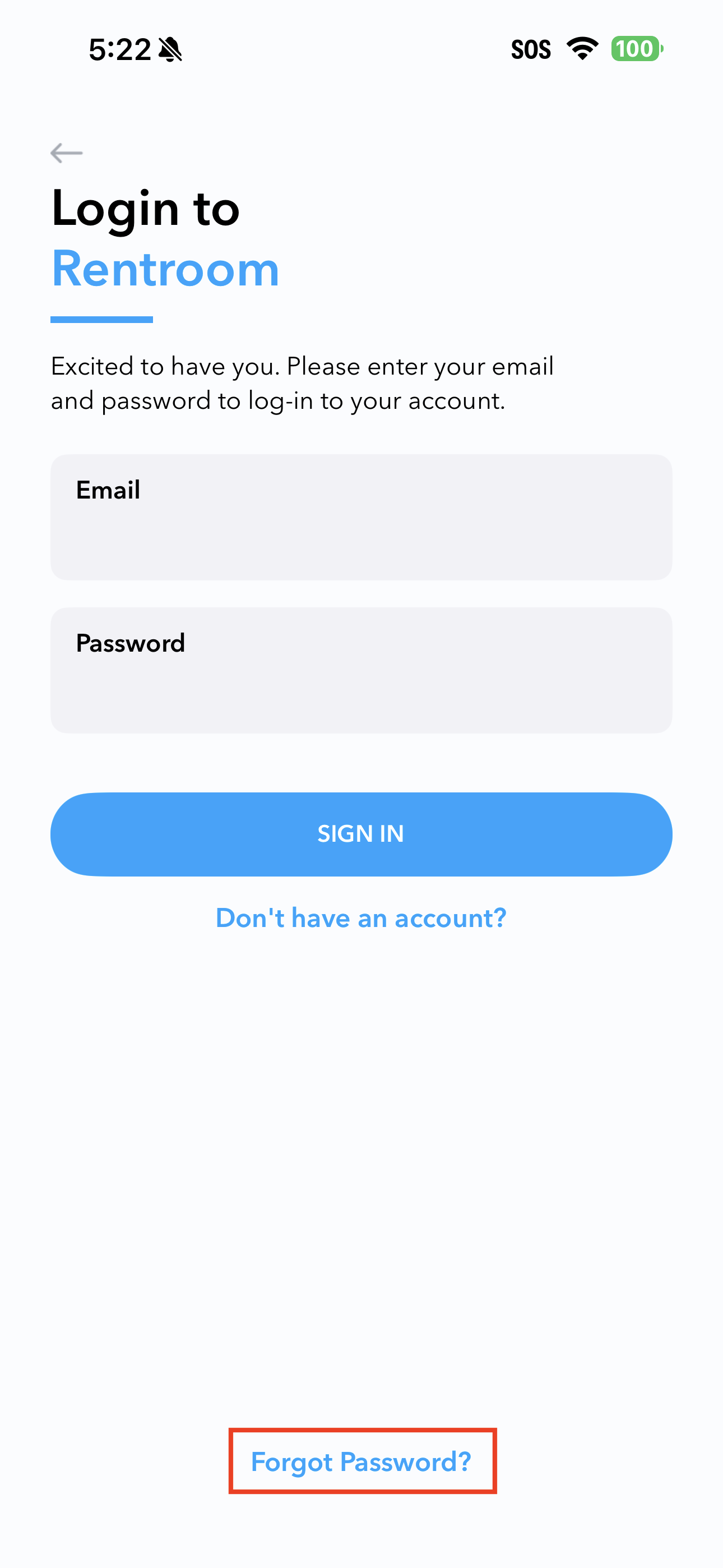
This works the same on iPhone, Android, and the web.
Didn't get the reset email?
Check your spam or junk folder.
Add noreply@rentroom.com to your safe senders or contacts, then try again.
Using a school email? College email systems often block our emails. Add noreply@rentroom.com to your safe senders, or ask your school's IT help desk to allow it.
Can't log in?
If you see "There is no user record corresponding to this identifier," the email or password doesn't match.
Check your email for typos, like gmail.con instead of gmail.com.
Signed up with the wrong email? Contact support and we'll update it for you.
Still stuck? Contact support.