Changing Your Bank Account
Edited
In short: To switch banks, remove your current bank account in Settings, then connect your new one.
Steps
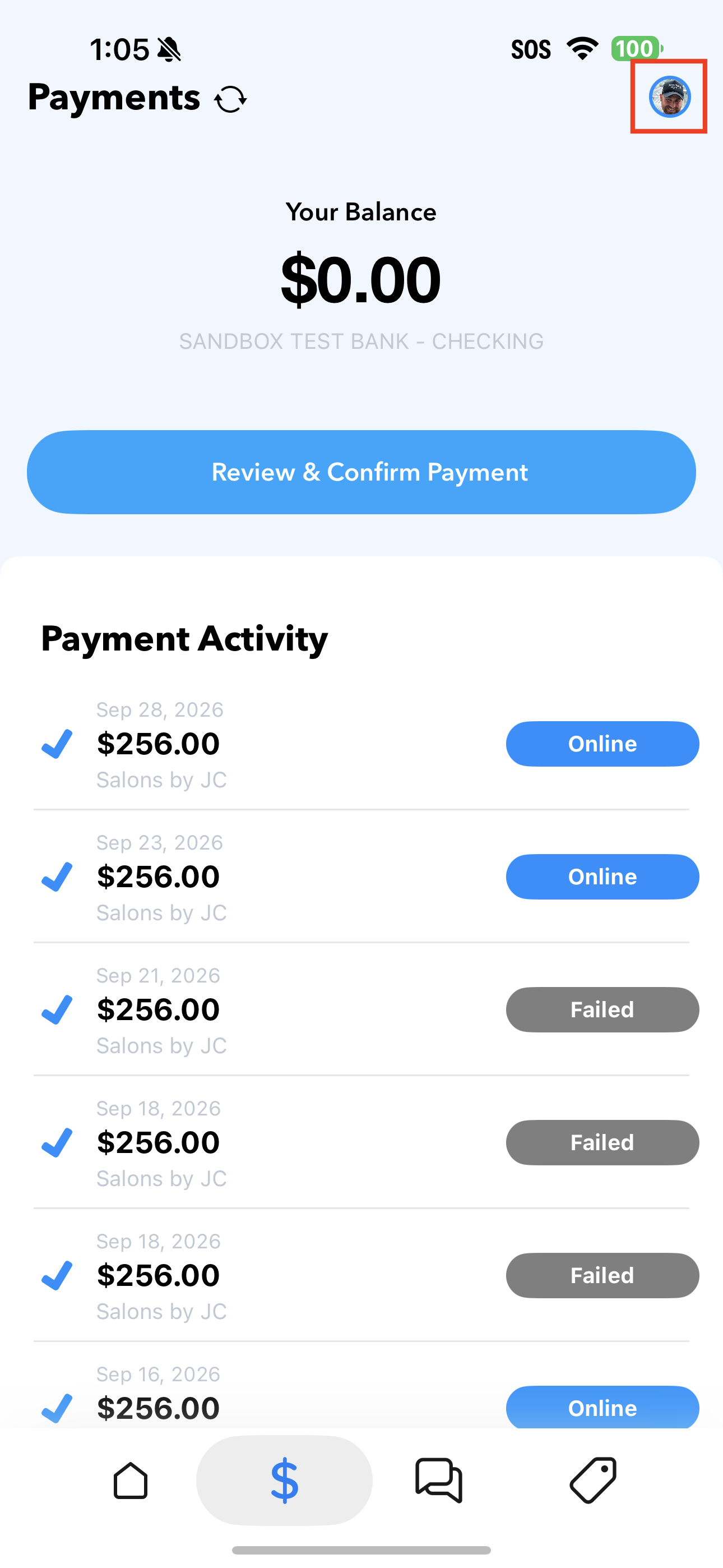
Open the app and go to Settings/Profile.
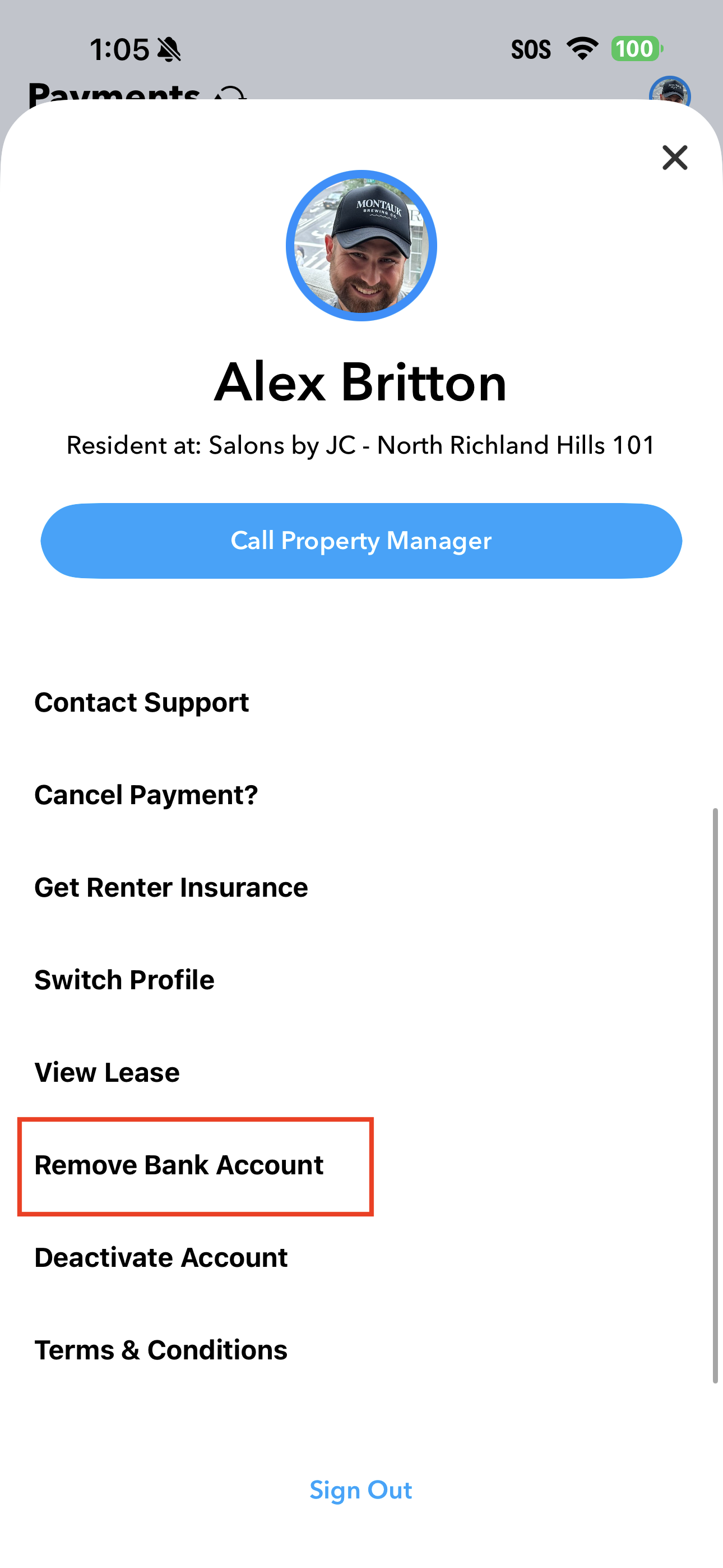
Tap Remove Bank Account.
Exit Settings.
You'll be prompted to connect a new bank account. Follow the prompts to connect and/or verify it.
That's it. Future payments will come from your new account.
Still stuck? Contact support.