Viewing Your Lease
Edited
In short: Open Settings in the app and tap View Lease. If your lease doesn't load, your landlord hasn't uploaded it yet. Contact them directly.
Steps
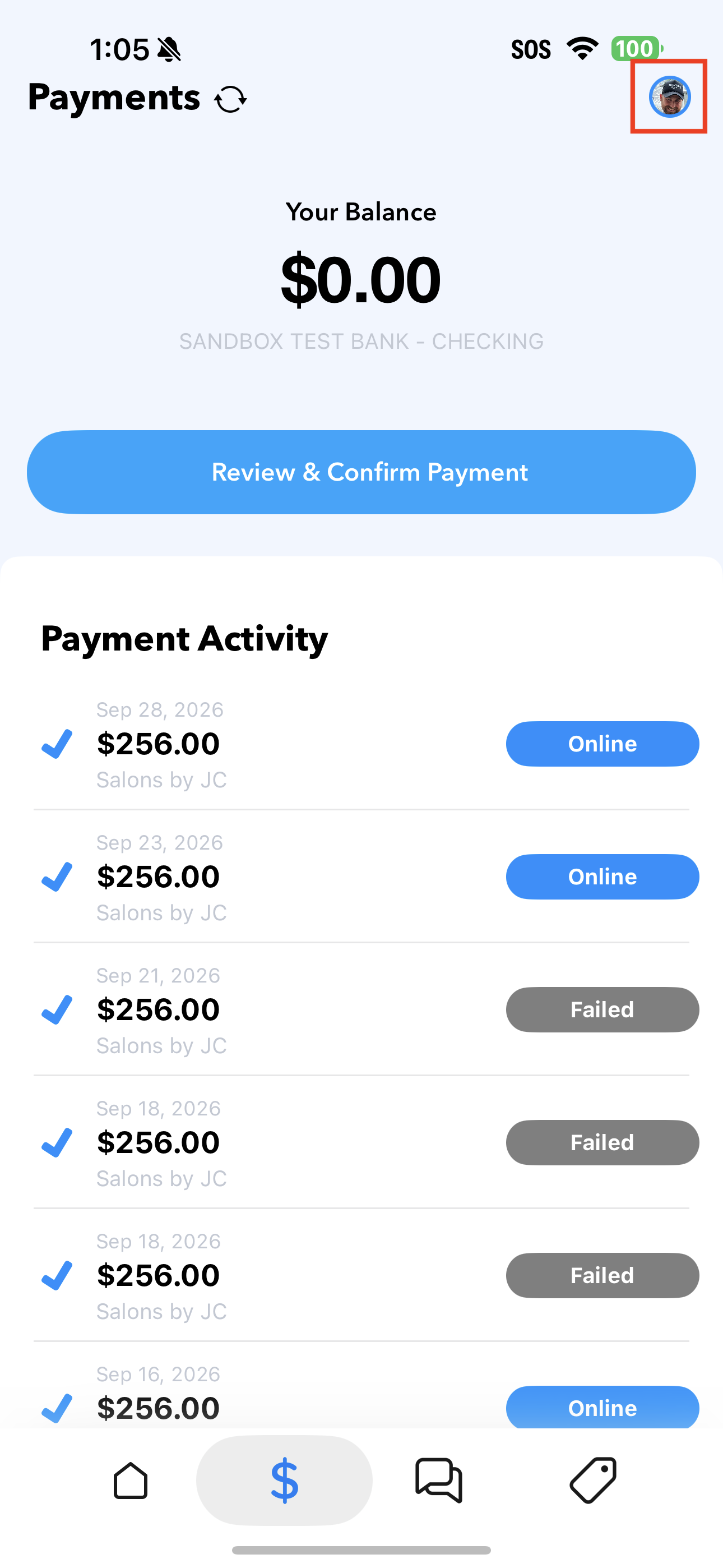
Open the app and go to Settings. Tap the profile icon in the top right of the Home or Payments screen.
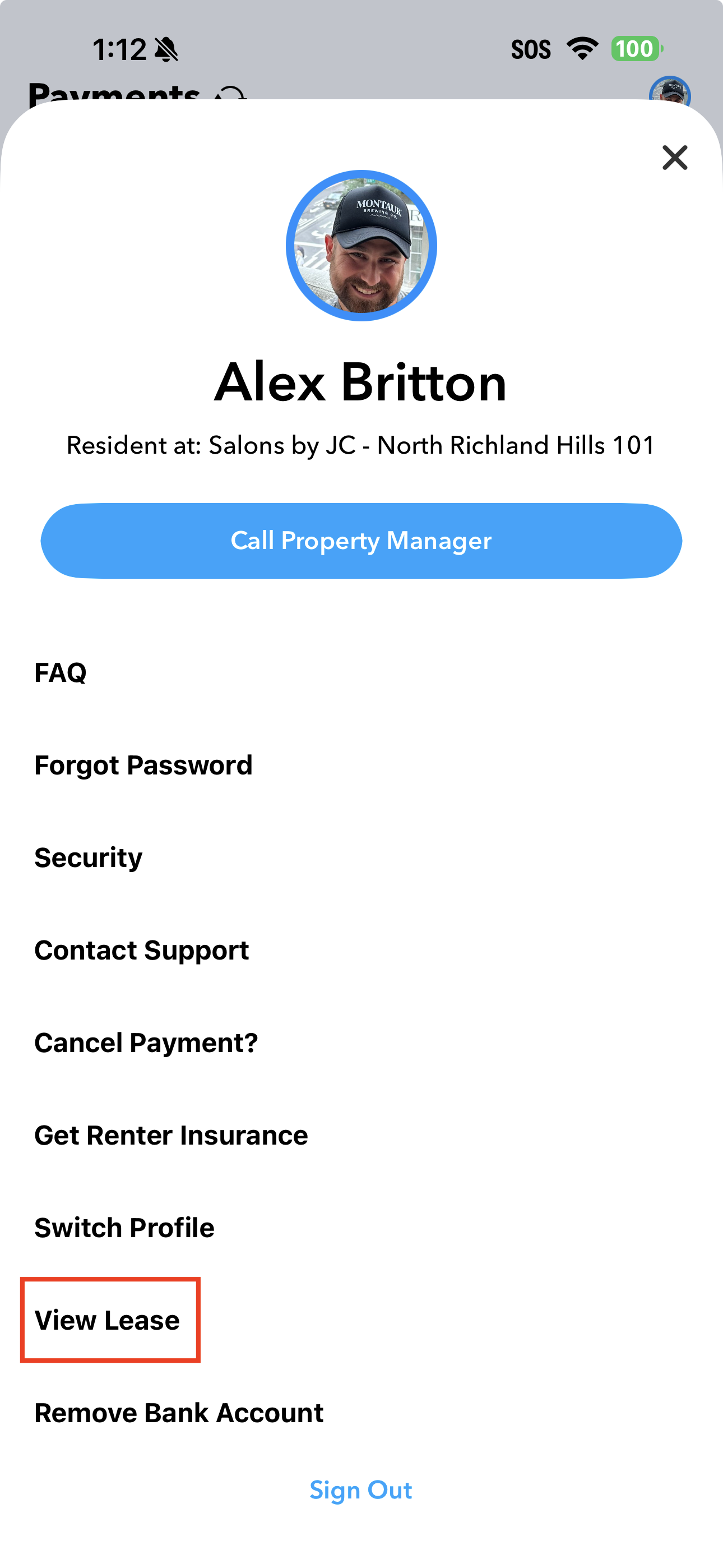
Tap View Lease.
Your lease will open.
Lease won't load or shows an error?
This usually means your landlord or property manager hasn't uploaded your lease to your profile. Reach out to them directly and ask them to add it.
Still stuck? Contact support.